The apps and data setup that makes China easy
An eSIM that works on landing, a map that loads, camera translation, and the two apps you will open every day. Set all of it up at home, while you can still read the error messages.
Before you fly
Do this at home, on your own wifi, with your passport to hand. Half of these apps need a verification step that is much harder to finish once you land and cannot read the error message.
The short list is four things: Alipay, a map app, a translation app with camera mode, and a way to get online. Everything else is optional. Open each one once before you fly. An app you have never opened is not an app you have set up.
Getting online
An eSIM bought before departure is the simplest option: ¥60–120 for 10–20GB, no shop visit, works on landing. Buy from a provider that explicitly lists mainland China coverage — some regional packages route through Hong Kong and behave differently.
The alternative is a China Unicom or China Mobile SIM at the airport, with your passport. Cheaper per GB, twenty minutes of paperwork, and you get a local number, which is occasionally useful for hotel bookings and delivery lockers.
Airport and hotel wifi is fine for ordinary browsing. It is useless for anything Google-related without a VPN, and Chinese app stores do not carry VPN apps — install and test one before you arrive.
Maps
Use a domestic map. Amap (高德) and Baidu Maps (百度地图) both have full transit data, walking directions and bus routes that Western maps miss. The interface is Chinese, which matters less than it sounds: search for a place by pasting its Chinese name, and the route line is visual.
Before you leave the hotel, screenshot the destination in Chinese anyway. Showing a taxi driver a map on your phone is less reliable than showing him an address he can read.
Translation
A translation app with camera mode is the single most useful thing on this list. Point it at a menu, a sign, a ticket machine. Download the offline Chinese pack before you fly — the first meal should not depend on a data connection.
Two phrases cover a surprising amount of ground: “zhège” (这个 — “this one”) while pointing, and “duōshǎo qián” (多少钱 — “how much”). Hotel staff speak English; restaurants, taxis, shops and museums mostly do not.
The two apps you will open every day
Alipay handles payment, metro codes, taxi fares, and most ticket machines. Link a foreign card before you fly — the full setup walkthrough covers the passport verification step and the fee threshold.
For trains, book on 12306 (official, English interface, takes foreign cards) or Trip.com (easier, small fee). Your passport is the ticket; see the high-speed rail guide for station names and seat classes.
What you can skip
You do not need a local bank account, a Chinese phone number for most trips, or five different super-apps. You do not need to print anything. And you do not need to memorise phrases — you need one working camera translator and an address saved as a screenshot.
The logistics are worth doing once, properly, before the flight. After that the trip is just the trip.
Common questions
Can I just use Google Maps and Google Translate like everywhere else?
Not reliably. Neither is reachable from mainland China without a VPN, and even then mapping data and local transit details are thinner than the domestic alternatives. Install a local map and an offline translation pack before you land.
Is an eSIM or a local SIM better?
An eSIM bought before you fly is the simpler option — ¥60–120 for 10–20GB, no shop visit, working the moment you land. A China Unicom or China Mobile SIM bought at the airport with your passport is cheaper per GB but costs twenty minutes of paperwork.
Do I need to install all of this before arrival?
Yes. Several apps ask for passport verification or a one-time code, and the Chinese app stores do not carry the Western ones. Do it at home on your own wifi, with your passport to hand, and open each app once to confirm it works.
Related
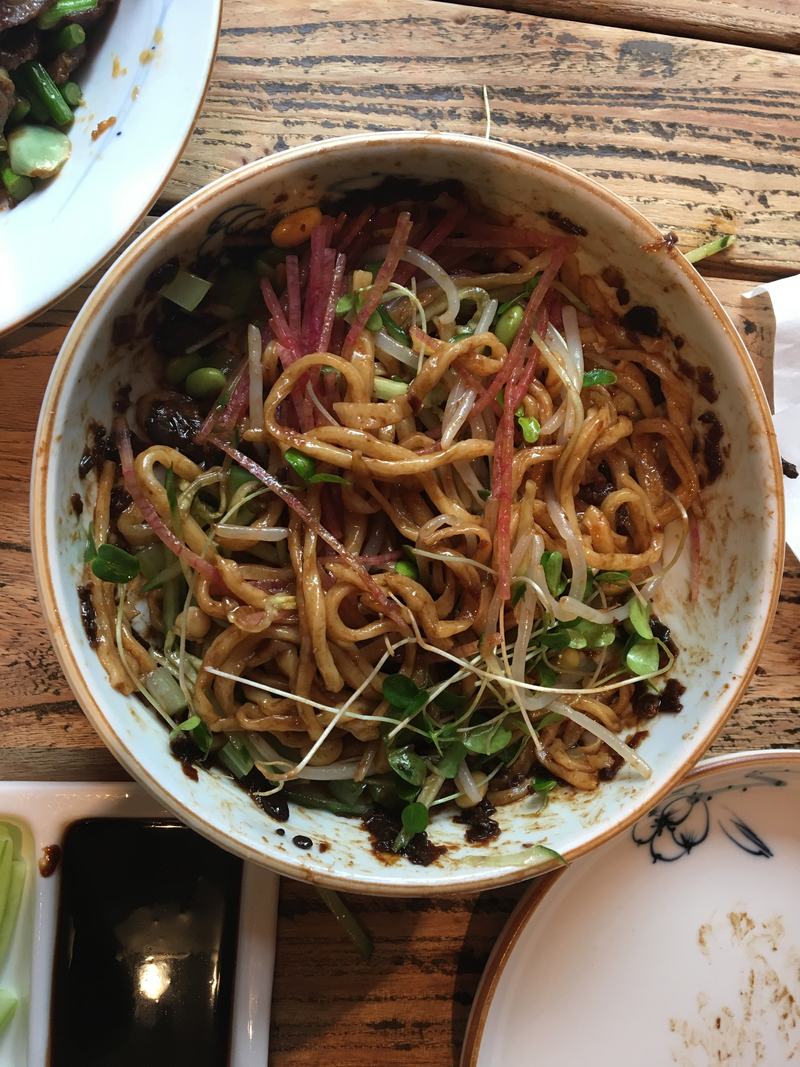
Where to eat in Beijing
What to order, what it costs, and which famous restaurants are actually worth the two-week wait. Written after eating badly for a week so that you don't.

The Forbidden City in half a day, without the crowd
The route that skips the conveyor belt down the central axis, the exact ticket timing, and where to pop out for the best view in Beijing.
Paying for anything in China with a foreign card
China is functionally cashless and your Visa card does not work in shops. This is the exact setup that does, done before you fly, in twenty minutes.
Want a plan that fits your dates?
Tell us your dates, budget and what you actually like doing — we will send back a day-by-day plan by email. No charge for the first draft.
Plan with us →